Why are video thumbnails not displaying on YouTube?
If the thumbnail is not displayed, this may be related to your current plan. The "Standard" plan does not include the option to add thumbnails. To use thumbnails, choose one of the following plans: "Advanced" or "Premium".
If a YouTube channel is not verified, custom thumbnails will not work.
How to verify a channel
Via phone number (the fastest way):
Go here: https://www.youtube.com/verify
How to check if a channel is verified
The easiest way:
- Go to YouTube Studio https://studio.youtube.com
https://studio.youtube.com/
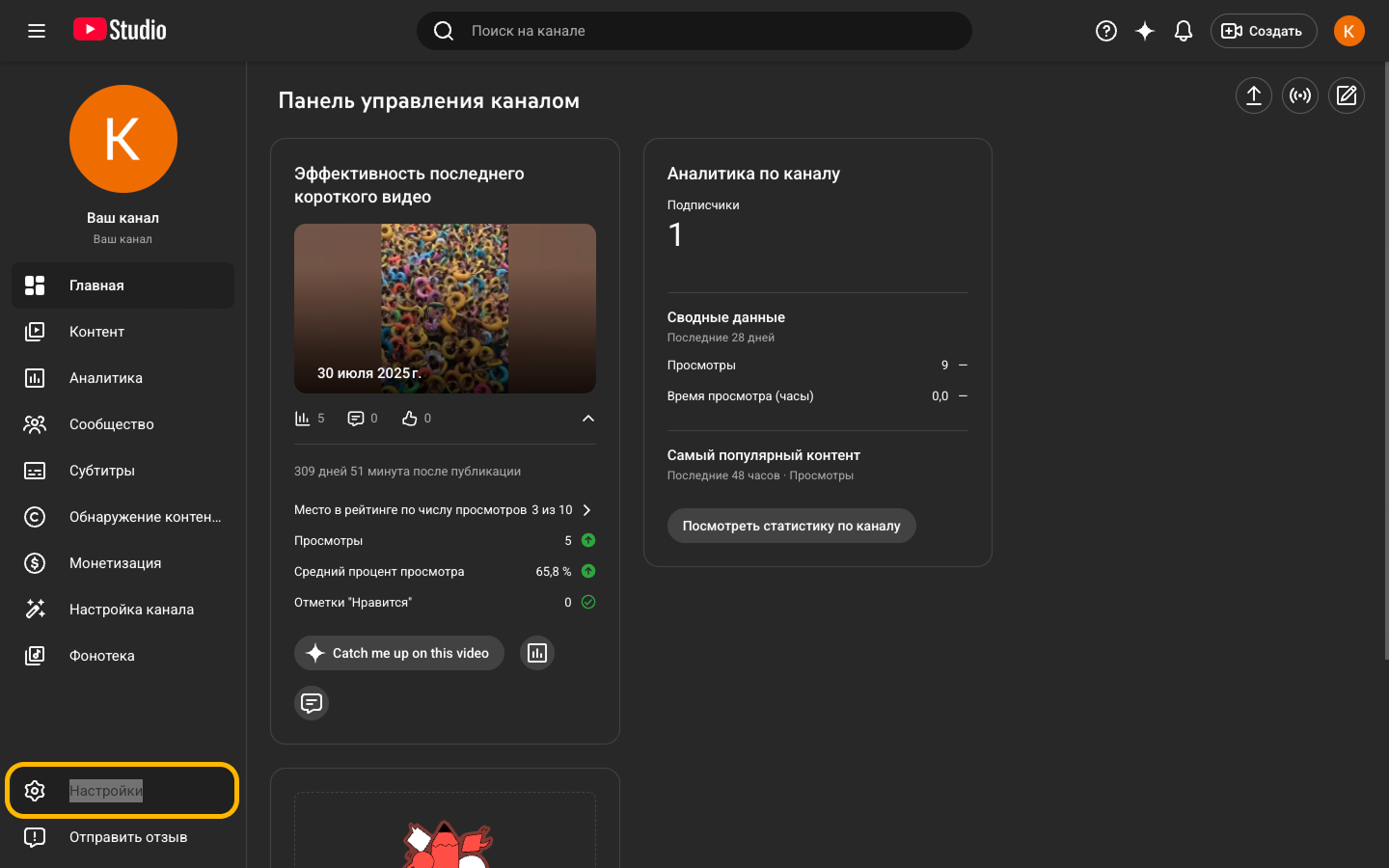
- Open Settings.
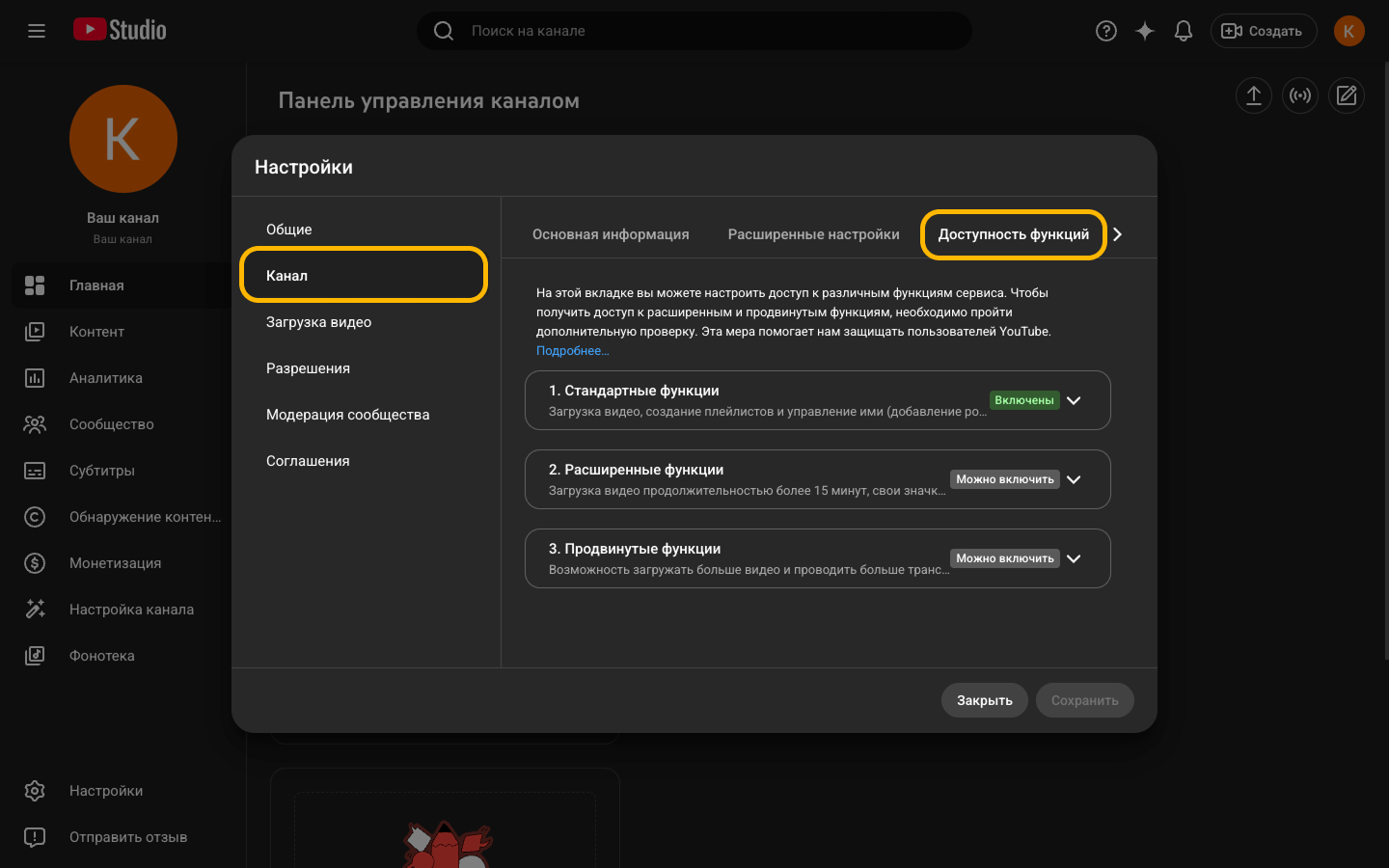
- Go to Channel → Feature eligibility.
There will be 3 levels:
- Standard features — basic;
- Intermediate features — intermediate;
- Advanced features — advanced.
If the channel is not verified, only the first level will be available.
Thumbnail display specifics
However, even though the thumbnail is linked to the video via the API and is correctly returned in the video data, it may not appear in the YouTube interface itself. At the moment, this appears to be a feature or display limitation on YouTube's side rather than an issue with the thumbnail upload process via the API.